
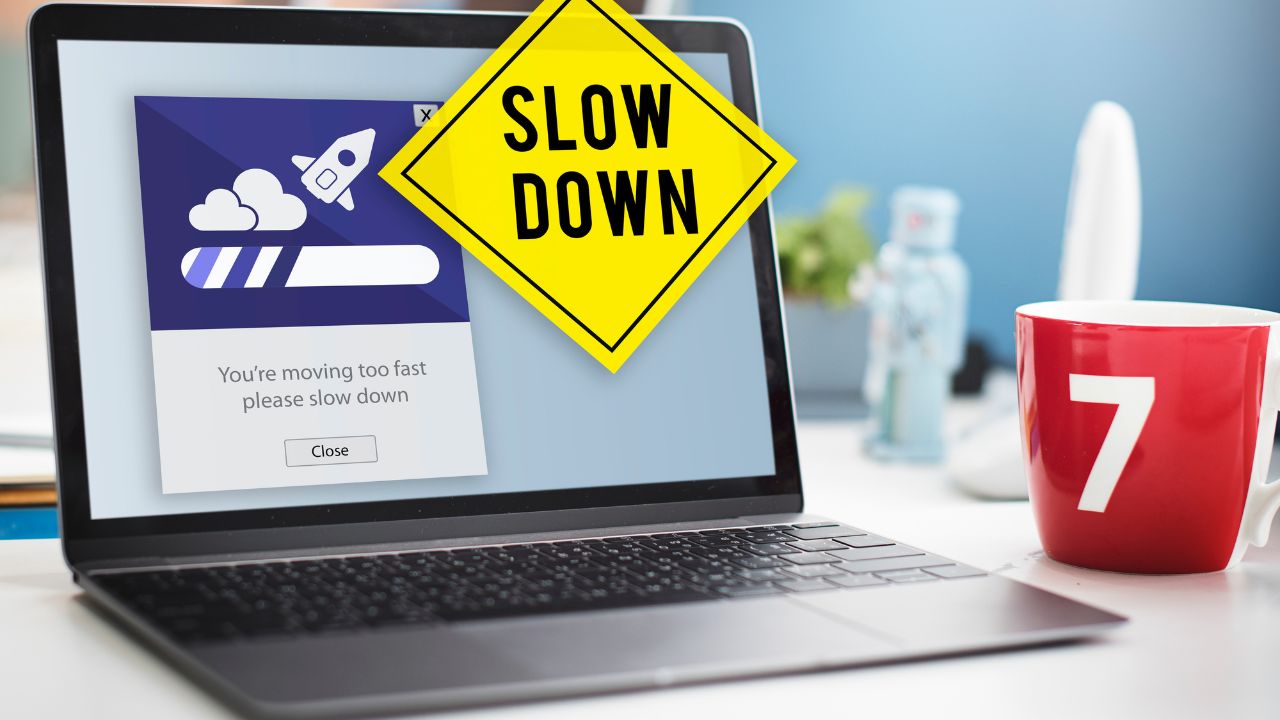
Imagine sitting down with a bowl of snacks, ready to stream the latest episode of your favorite anime series. You open Crunchyroll, but instead of the vibrant video player, a blank screen appears with an annoying message: “Error 1015: You are being rate limited.”
This error can quickly ruin your evening. It acts like a temporary digital lock, preventing you from accessing the platform. The good news is that your account is not banned forever. This is a very common issue that affects thousands of anime fans around the world. Usually, you can fix it in just a few minutes if you know what to do.
This detailed guide will explain exactly what Crunchyroll Error 1015 means. We will look at the common triggers behind it, provide step-by-step solutions to fix it, and give you practical tips to prevent it from happening again. Let’s dive in and get your anime stream back up and running!
Understanding Crunchyroll Error 1015
To fix this problem, you first need to understand what it is. Error 1015 is not a direct server error from Crunchyroll itself. Instead, it is a security message from Cloudflare, a popular web security and content delivery network.
Crunchyroll uses Cloudflare to shield its servers from malicious attacks, web scrapers, and automated bots. When you see this error, it means the security system thinks your internet connection is sending too many requests in a short period. As a safety measure, it temporarily blocks your IP address to protect the website from slowing down or crashing.
What is Rate Limiting?
Rate limiting is a virtual speed limit for the internet. A normal human clicks on a few pages every minute. An automated computer program or bot can click on hundreds of pages in a single second.
When your internet connection behaves like a bot, Cloudflare steps in. It places a temporary block on your connection. The table below gives a quick overview of how this rate-limiting mechanism works on Crunchyroll.
Quick Overview of Crunchyroll Error 1015
| Feature | Description |
| Error Code | 1015 |
| Common Message | “Error 1015: You are being rate limited” |
| Primary Cause | Too many server requests from a single IP address |
| Security Provider | Cloudflare |
| Block Type | Temporary (usually lasts 15 minutes to a few hours) |
| Main Impact | Complete loss of access to Crunchyroll videos and login pages |
Primary Causes of Crunchyroll Error 1015
Why does a normal anime fan get flagged as a dangerous bot? It happens more often than you might think. Several everyday habits and technical issues can cause Cloudflare to trigger this rate limit against you.
1. Rapid Page Refreshing
If a video fails to load, your first instinct might be to mash the refresh button on your browser. Refreshing a web page repeatedly sends a flood of new requests to the server. If you refresh the page five or ten times in a matter of seconds, Cloudflare will flag your behavior as an automated attack.
2. Third-Party Downloader Tools
Many users try to use unauthorized browser extensions or third-party software to download anime episodes for offline viewing. These download tools work by opening multiple connections at the same time to pull data quickly. This aggressive activity instantly triggers the rate-limiting system.
If you are streaming anime at a school, a college dorm, an office, or a public cafe, you are sharing an IP address with dozens of other people. If multiple people on the same network are opening Crunchyroll at the same time, Cloudflare sees all that massive traffic coming from a single source. It will block the IP, punishing you for the actions of others on your network.
4. Malfunctioning Virtual Private Networks (VPNs)
VPNs protect your privacy by routing your traffic through a remote server. However, thousands of people might use the exact same VPN server. If a few users on that server abuse the website, or if the server sends too many combined requests, the entire VPN IP address gets blocked. Free VPNs are especially prone to this issue.
5. Stale Browser Cache and Defective Cookies
Sometimes, the problem is entirely accidental. Outdated files in your browser cache or corrupted tracking cookies can get stuck in an endless loop. Your browser might silently send background requests to the Crunchyroll server without you knowing it, leading directly to Error 1015.
Common Triggers and Technical Impacts
| Trigger Event | Why Cloudflare Blocks It | Technical Impact |
| Button Mashing Refresh | Simulates a Denial-of-Service (DoS) pattern | Immediate 15-minute IP restriction |
| Using Video Extractors | Creates multiple aggressive data streams | High risk of longer security blocks |
| Public Wi-Fi Streaming | Groups many users into one single IP | Mass block affecting innocent viewers |
| Low-Quality Free VPNs | Uses flagged or heavily blacklisted IP pools | Blocks access before the page even loads |
| Corrupted Web Cookies | Causes background data loops in browsers | Continuous background request spam |
Quick Fixes for Everyday Viewers
If you are a regular user who just wants to watch your favorite show, you do not need advanced technical skills to solve this problem. Here are the simple, effective troubleshooting steps you can take right now.
Step 1: Wait It Out (The 15-Minute Rule)
The absolute easiest fix for Error 1015 is patience. Because this block is automated, it is designed to be temporary. In most cases, the restriction will automatically lift after 15 minutes.
Close the Crunchyroll tab, put your phone down, and walk away for a quarter of an hour. When you return, the server will usually welcome you back with open arms. Crucial note: Do not keep trying to load the page during this waiting period, as every fresh attempt can reset the countdown timer.
Step 2: Clear Browser Cache and Cookies
If waiting does not work, corrupted data inside your web browser might be causing the loop. Cleaning out your browser’s temporary storage will give you a fresh start.
How to clear data on Google Chrome:
- Click the three vertical dots in the top-right corner of the window.
- Hover over More Tools and select Clear Browsing Data.
- Set the time range to All Time.
- Check the boxes next to Cookies and other site data and Cached images and files.
- Click the Clear data button.
Once cleared, close your browser completely, reopen it, and attempt to log back into Crunchyroll.
Step 3: Switch to Incognito or Private Mode
If you do not want to wipe out your entire browser history, you can test the waters using Incognito Mode. Private windows operate without using your stored cookies or local cache data. If Crunchyroll works perfectly in Incognito mode, it is a definitive sign that your main browser cache or extensions are causing the error.
Step 4: Toggle Your VPN Connection
Are you using a VPN to protect your online identity? Try turning it off completely. Connect directly through your regular internet service provider to see if the error disappears. If you absolutely need a VPN, try switching to a completely different server country or location city to secure a clean, unflagged IP address.
Step 5: Reboot Your Home Internet Router
Your internet service provider likely assigns a dynamic IP address to your home router. This means your public digital address changes whenever the router resets.
Unplug your internet router from the wall outlet, wait for roughly 60 seconds, and plug it back in. Once the lights stabilize and the internet returns, your router will capture a brand-new IP address, successfully bypassing the old Cloudflare block.
Summary of Quick Fixes
| Action Item | Target Issue | Expected Result | Success Rate |
| Take a 15-minute break | Temporary cooldown timer | Automated restriction lift | Very High |
| Wipe browser history | Corrupted background data loops | Fresh, error-free browser session | High |
| Open Incognito window | Defective cookies & extensions | Immediate test without data loss | Medium |
| Disconnect your VPN | Bad or abused shared IP addresses | Connects via your native ISP line | High |
| Power cycle the router | Stale home network IP address | Fetches a brand-new public IP | High |
Advanced Solutions for Web Scrapers and Power Users
Sometimes, Error 1015 happens because you are running automated web scrapers, data collection scripts, or research tools on Crunchyroll. If you are a developer or power user encountering rate limits, standard troubleshooting like clearing cookies will not be enough. You need to adjust your setup to look more human.
1. Introduce Artificial Request Delays
The most obvious sign of a bot is speed. If your script pulls data instantly from page after page, it triggers Cloudflare. You must implement a strict throttling mechanism. Add random time delays (called “jitter”) between your requests. Instead of requesting a page every millisecond, introduce a random pause of 2 to 5 seconds between each action.
2. Use Premium Rotating Residential Proxies
Data centers use specific blocks of IP addresses that security systems instantly recognize and monitor closely. If you scrape using data center IPs, you will get blocked almost immediately.
Instead, utilize high-quality rotating residential proxies. These proxies route your automated scripts through real home internet connections. Because the IP address changes automatically with every single request, the security system cannot accumulate enough data to trigger a rate limit.
3. Rotate User Agents and Request Headers
If your script sends a hundred requests with the exact same browser blueprint, Cloudflare’s behavioral analysis systems will flag it. You need to randomize your user agents. Make your script look like it is coming from different devices—such as a Mac running Safari, a Windows PC running Firefox, or an Android phone running Chrome.
4. Utilize Headless Browser Solvers
Cloudflare often checks to see if a visitor’s browser can execute JavaScript or track mouse movements. Simple command-line tools like basic cURL requests cannot do this, so they get blocked fast. Use advanced developer tools like Undetected-Chromedriver or Puppeteer. These platforms emulate real human browser behavior, including natural scrolling and mouse movements, which helps prevent Error 1015.
Advanced Optimization Techniques
| Developer Strategy | How It Works | Main Benefit |
| Request Throttling | Adds random 2-5 second pauses | Erases the robotic speed signature |
| Residential Proxies | Bounces traffic through home connections | Prevents broad data center bans |
| User-Agent Randomization | Changes the browser identity string | Blurs the identity profile of the bot |
| Human Emulation Scripts | Mimics natural cursor drifts and scrolls | Satisfies advanced anti-bot challenges |
How Website Administrators Can Manage Rate Limiting
If you are a website owner or developer using Cloudflare to protect your own platform, managing rate limits is a delicate balancing act. Set the rules too loose, and your servers will crash from DDoS attacks. Set them too tight, and you will lock out your real, paying customers with Error 1015.
Fine-Tuning Your Thresholds
Do not set your rate limits based on a one-second window. A human user opening multiple tabs at once can easily send ten requests in one second. Instead, expand your tracking window to 10 seconds or one minute. This allows for natural bursts of user activity while still blocking malicious high-speed automated attacks.
Implementing Interactive Challenge Pages
Instead of completely blocking a suspicious IP with a harsh Error 1015 screen, use a soft challenge page. Setting your Cloudflare rule to trigger a Managed Challenge (CAPTCHA) allows real human beings to pass a quick test and access your site, while completely blocking automated bots.
Troubleshooting Error 1015 on Different Devices
Crunchyroll is available on many platforms. Depending on whether you are watching on a mobile phone, a gaming console, or a smart television, the solution to Error 1015 can change slightly.
Mobile Devices (iOS and Android)
If you get this error on your smartphone app, your local app data may be corrupted.
- Go to your phone’s Settings, find the Apps section, and select Crunchyroll.
- Tap on Storage and choose Clear Cache.
- If the problem continues, delete the app entirely and download the newest version from the official App Store or Google Play Store.
- Alternatively, try turning off your Wi-Fi and using your mobile data network instead. This instantly switches your IP address.
Streaming Sticks and Smart TVs
Devices like Roku, Amazon Fire TV, and Apple TV can also experience rate limits. Because these devices do not have traditional web browsers, the issue is almost always related to an unstable network connection.
- Unplug your streaming device from its power source for 30 seconds, then restart it.
- Check to see if your device’s system software needs an update. An outdated operating system can cause authentication issues with security servers.
Gaming Consoles (PlayStation and Xbox)
If Error 1015 strikes your gaming console, a DNS conflict could be the culprit. You can manually change your console’s network settings to use Google’s trusted public DNS servers. Set your Primary DNS to 8.8.8.8 and your Secondary DNS to 8.8.4.4. This often speeds up data routing and clears up false security triggers.
Frequently Asked Questions (FAQs)
What does “You are being rate limited” actually mean?
It means a website’s security filter has detected an unusually high number of requests coming from your internet connection in a short period. The server temporarily blocks your IP address to protect itself from being overloaded.
Is Crunchyroll Error 1015 a permanent ban?
No, it is not a permanent account ban. It is a temporary IP address block managed by Cloudflare. Your actual Crunchyroll account profile remains safe, and the restriction usually disappears automatically within 15 to 30 minutes.
Can a bad internet connection cause Error 1015?
Yes. If your internet connection is highly unstable, it may drop and reconnect constantly. This forces your streaming app to repeatedly send login and authentication requests to the server, which can trigger security alarms.
Why does my VPN always trigger Error 1015 on Crunchyroll?
Because thousands of people use the same public VPN servers, those specific IP addresses send an enormous volume of web traffic. Security systems like Cloudflare flag these IPs because their high activity matches the profile of an automated bot network.
Should I contact Crunchyroll support to fix Error 1015?
You should only contact support if the error lasts for more than 24 hours after you have tried clearing your cache and restarting your router. Since the block is an automated safety feature, customer support agents usually cannot manually lift it for you right away.
Final Words
Encountering Crunchyroll Error 1015 can be incredibly frustrating, especially when you are excited to relax and enjoy your favorite anime. However, it is comforting to know that this issue is simply an overprotective security shield rather than a serious problem with your account. It is just Cloudflare doing its job to keep the servers stable for the entire community.
For most casual viewers, simply taking a 15-minute break or restarting your home router will clear the problem up immediately. If you are a developer or power user, keeping your automated tools well-throttled and using high-quality residential proxies will keep your connections clean. By following these straightforward troubleshooting steps, you can easily bypass the digital locks and get back to streaming your favorite anime without any interruptions.