


You’re paying for an AI tool that hits its limits by Wednesday, and you still fix half its code. For most people, GitHub Copilot Pro at $10 a month is the best value among AI coding assistants for developers, with Claude Code for heavy agent work.
Below: a price chart, the 2026 plan changes most lists missed, and how to choose.
Quick Comparison Chart
Here’s how the ten AI coding assistants for developers line up on price and fit. Prices are US monthly list prices as of October 2026.
| # | Tool | Works As | Starting Paid Price | Best For |
|---|---|---|---|---|
| 1 | GitHub Copilot | Plugin for most editors | $10 (Pro) | Best value, any editor |
| 2 | Claude Code | Terminal and IDE agent | $20 (Claude Pro) | Big refactors, agent work |
| 3 | OpenAI Codex | CLI, IDE, cloud agent | $20 (ChatGPT Plus) | People already paying for ChatGPT |
| 4 | Cursor | AI code editor | $8 (Plus, Grok only) | Editor-first workflow |
| 5 | JetBrains AI + Junie | Built into JetBrains IDEs | $10 (AI Pro) | IntelliJ and PyCharm users |
| 6 | Devin Desktop (ex-Windsurf) | AI code editor | $20 (Pro) | Teams eyeing cloud agents |
| 7 | Google Antigravity / Gemini Code Assist | Editor, CLI, plugin | Free individual plan | Google Cloud shops |
| 8 | Kiro | Spec-driven AI editor | $20 (Pro) | AWS teams leaving Amazon Q |
| 9 | Cline | Open-source agent | Free + your API bill | Cost control, any model |
| 10 | Tabnine | Private, self-hosted assistant | $39 per user (annual) | Regulated companies |
Key takeaway: most of these now meter usage in credits or tokens. The sticker price is the floor, not the bill.
What Changed in 2026 (Most Lists Missed It)
The truth is, many top-ranking guides still quote 2025 prices. If you’re picking AI coding assistants for developers today, these changes matter:
- June 1: GitHub Copilot moved every plan to usage-based billing with AI Credits, replacing premium requests.
- June 2: Cognition renamed Windsurf to Devin Desktop. Windsurf.com now redirects to devin.ai.
- June 18: Google ended Gemini CLI access for free and consumer accounts and pointed individuals to Antigravity CLI.
- May 15: AWS stopped new Amazon Q Developer signups. Support ends April 30, 2027, and Kiro is the successor.
- October 12: Cursor moved into “The X Subscription.” Its $8 Plus plan covers Grok models only, and Claude, GPT and Gemini cost extra at API prices.
Bottom line: check the pricing page the week you buy. Big mistake to trust a review from March.
What the Research Says Before You Pay
Now, you might be wondering whether these tools really make you faster. The data is mixed:
- Speed: In METR’s 2025 trial, 16 experienced open-source developers took 19% longer with AI tools, even though they expected to be 24% faster.
- Trust: Stack Overflow’s 2025 survey found 84% of developers use or plan to use AI tools, but 46% distrust the accuracy versus 33% who trust it.
- Security: Veracode’s 2026 report found AI-generated code passed security tests only about 56% of the time. Java was the worst, at 30%.
Key takeaway: AI coding assistants for developers speed up boilerplate and unfamiliar code. On a big codebase you know well, review time can eat the gains.
The 10 Best AI Coding Assistants for Developers
1. GitHub Copilot
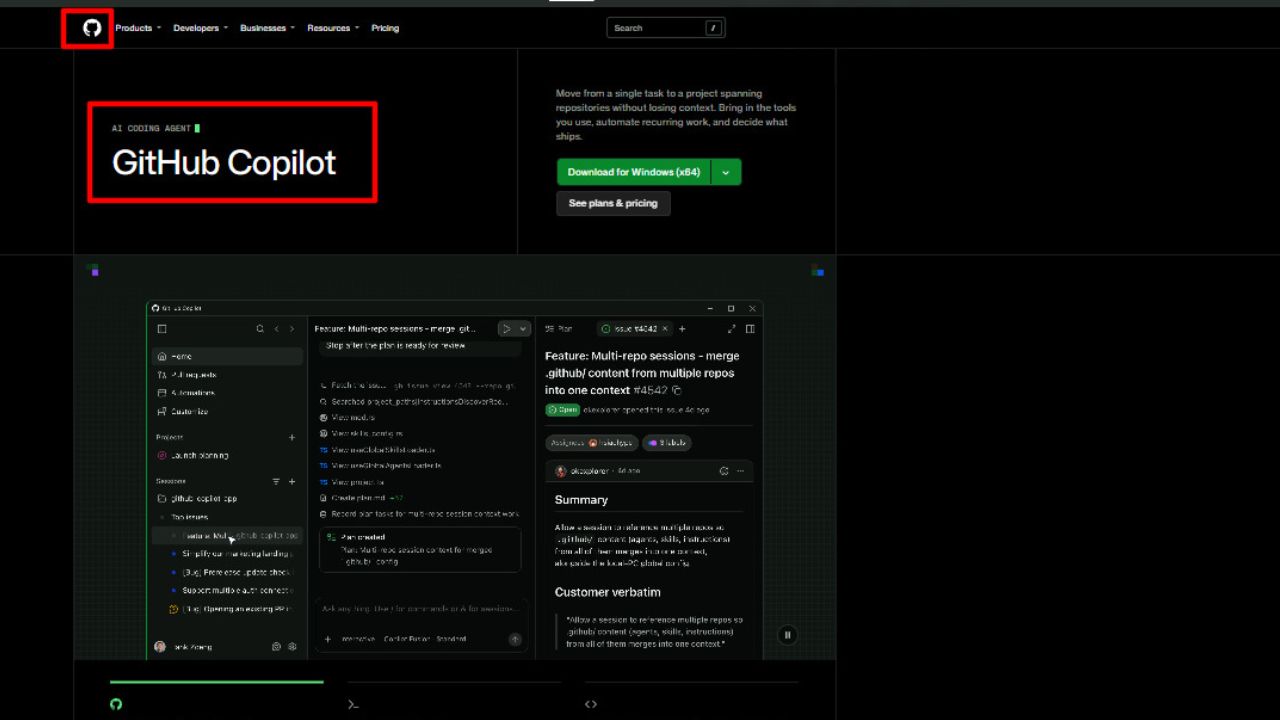
Copilot is still the safest first buy. Pro costs $10 a month, Pro+ $39, and a new Max tier $100, with unlimited inline completions on paid plans. It works in VS Code, JetBrains, Neovim and more, so you don’t switch editors.
Real flaws developers complain about:
- Since the June credits switch, heavy agent mode use adds cost beyond the flat fee.
- GitHub paused new Pro, Pro+ and student signups in April 2026. They’ve reopened, but the pause rattled buyers.
Who Should Skip This: developers who want an agent to run long, multi-step jobs on its own all day.
2. Claude Code
Claude Code is an agent that lives in your terminal and IDE. It reads the repo, edits files and runs commands, which makes it strong for refactors that touch dozens of files. Picture this: you ask it to swap a logging library across 40 files, then review one diff instead of 40 tabs.
Real flaws:
- Usage limits are shared with Claude chat, and they reset on a rolling 5-hour window plus a weekly cap. Heavy users hit them fast on Pro.
- Max costs $100 or $200 a month, which is steep for hobby projects.
Who Should Skip This: people who mostly want autocomplete, not an agent.
3. OpenAI Codex
Codex comes bundled with ChatGPT, so if you pay for Plus ($20), you already have it in the CLI, IDE and cloud. Pro tiers at $100 and $200 raise the limits 5x and 20x over Plus.
Real flaws:
- Since April 2, 2026, usage burns token-based credits, so a big task drains your window faster than a small one.
- CLI and web sessions draw from the same 5-hour pool. There’s no side door.
Who Should Skip This: anyone who doesn’t already use ChatGPT.
4. Cursor
Cursor is the polished AI-first editor built on VS Code. Here’s the catch: since October 12, its new $8 Plus plan runs Grok models only, and third-party models need Premium ($30) plus prepaid usage at API prices. Existing $20 Pro users keep their plan for now.
Real flaws:
- Pricing has changed twice in 16 months. The June 2025 switch to usage pools led to refunds and a public apology.
- Claude and GPT users now pay on top of the subscription.
Who Should Skip This: budget buyers who want Claude or GPT at a flat price.
5. JetBrains AI with Junie
If you live in IntelliJ, PyCharm or Rider, this is the natural pick. AI Pro is $10 a month with 10 AI credits (one credit equals $1 of usage), and AI Ultimate is $30 with 35 credits. Junie, the coding agent, left beta in June 2026.
Real flaws:
- Ten credits go fast with agents, and JetBrains itself recommends Ultimate for regular Junie use.
- One January 2026 user report described credits being spent while the chat window stayed blank.
Who Should Skip This: VS Code users.
6. Devin Desktop (Formerly Windsurf)
Same editor, new name. Plans run Free, Pro at $20, Max at $200 and Teams, with daily and weekly quotas and extra usage billed at API prices. The upside is a straight path into Cognition’s Devin cloud agents.
Real flaws:
- Two ownership shakeups since 2025 leave the roadmap unclear.
- Quotas reset daily and weekly, so a big push can stall mid-task.
Who Should Skip This: anyone who wants a stable, predictable tool for the next two years.
7. Google Antigravity and Gemini Code Assist
On the flip side, Google still has a free route. Antigravity offers a free individual plan with weekly rate limits, while teams pay for Gemini Code Assist Standard ($19 to $22.80 per user) or Enterprise ($45 to $54).
Real flaws:
- The old 1,000 free requests a day are gone, and Antigravity’s free quota is far smaller.
- The tools are spread across several products and names, which makes planning confusing.
Who Should Skip This: developers who loved the old free Gemini CLI.
8. Kiro
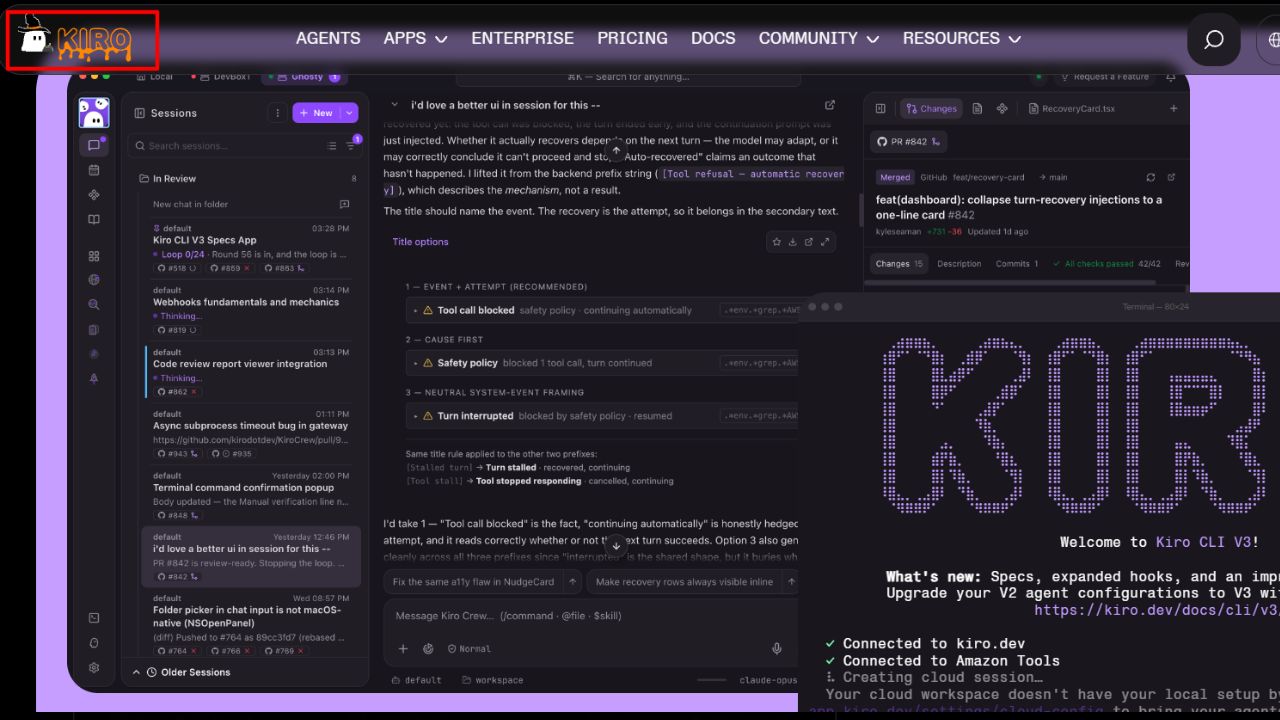
Kiro is AWS’s spec-driven editor. It drafts requirements and a task list before writing code, which suits teams that need a paper trail. Plans run Free (50 credits), Pro at $20 for 1,000 credits, up to $200 for 10,000.
Real flaws:
- Moving from Amazon Q’s flat $19 seat to credits with model multipliers takes budgeting work.
- The spec-first flow feels slow for quick fixes.
Who Should Skip This: solo developers shipping small changes fast.
9. Cline
Cline is a free, open-source agent for VS Code and the terminal. You bring your own API key, see every step, and approve actions before they run. The best part? Zero markup on tokens.
Real flaws:
- You manage keys and watch spend yourself, and long agent sessions can spike your bill.
- The editor experience is less polished than Cursor’s.
Who Should Skip This: anyone who wants one predictable monthly bill.
10. Tabnine
Tabnine sells control, not flash. It’s the rare AI coding assistant that can run on-premises or fully air-gapped, with zero code retention. Plans cost $39 or $59 per user a month, billed annually.
Real flaws:
- There’s no free plan, and self-hosting adds your own GPU costs.
- Tricentis bought Tabnine in July 2026, which adds some roadmap risk.
Who Should Skip This: anyone outside finance, healthcare, defense or other strict compliance setups.
How to Choose in 5 Minutes
That brings us to the biggest mistake people make: paying for three AI coding assistants for developers at once and using none of them well. Use this order:
- Start with your editor. JetBrains? Try JetBrains AI. VS Code? Copilot or Cline.
- Pick one agent, not three. Claude Code or Codex for big tasks, depending on which chat plan you already pay for.
- Set a spend cap on any credit-based plan before your first agent run.
- Turn on code scanning, because roughly 4 in 10 AI security tasks still fail.
- Test for two weeks on real tickets and time yourself. Don’t trust the feeling of speed.
Not every problem needs code at all. If you’re building a lead form for a client, a no-code quiz funnel for lead qualification may ship faster than any AI-written app.
Frequently Asked Questions (FAQs)
What is the best AI coding assistant in 2026?
For value and editor support, use GitHub Copilot. For agent work on large repos, Claude Code or OpenAI Codex. It depends on your editor and budget.
Is GitHub Copilot free?
There’s a free plan with limited completions and chat. Paid plans start at $10 a month, and verified students get Copilot free.
Will AI coding assistants replace developers?
Not today. Most developers still review AI output, and research shows it often needs fixes for bugs and security.
Is AI-generated code safe to use in production?
Only after review and scanning. Treat it like code from a new hire: check it before you merge.
Can I use more than one AI coding assistant?
Yes, many developers pair an autocomplete tool with a separate agent. Just watch your total monthly spend.
Final Thoughts
The best AI coding assistants for developers are the ones you use daily without blowing your budget. Start with Copilot Pro, add one agent if your work needs it, and measure real time saved for two weeks. Then decide what’s worth paying for.