Picking the right streaming tool can feel tough. The market changes fast. Old devices get upgrades and new systems hit the shelves. If you want to turn your television into a powerful entertainment hub, you are likely looking at three major names: Google, Apple, and Amazon.
Each brand offers a unique way to watch your favorite movies and television shows. But which one deserves a spot behind your television screen? This deep dive comparison breaks down everything you need to know about the top streaming hardware options to help you choose the best streaming device 2026 has to offer.
1. The Streaming Landscape in 2026
The way we stream video content has changed. Years ago, simple dongles just pushed video from a mobile phone to a television screen. Today, these devices are tiny computers. They feature advanced artificial intelligence (AI) chips, large storage options, and deep integration with your smart home gadgets.
When searching for the best streaming device 2026, you are choosing an entire ecosystem. Your choice affects how you interact with voice assistants, how much advertising you see on your home screen, and how smoothly your video plays.
Key Ecosystem Shifts
- Google’s Evolution: Google has shifted focus toward hardware like the Google TV Streamer, bringing smart Gemini AI features directly to your television screen. At the same time, classic classic Chromecast devices remain popular for quick, affordable streaming.
- Apple’s Premium Focus: Apple continues to prioritize high-end speed with its powerful processors, a clean user interface, and zero annoying banner advertisements.
- Amazon’s Value Strategy: Amazon focuses on budget-friendly sticks that offer incredible video formats for low prices, though their home screens feature heavy advertising.
| Feature Category | Google TV / Chromecast | Apple TV 4K | Amazon Fire TV Stick |
| Primary Voice Assistant | Google Assistant / Gemini | Siri | Amazon Alexa |
| Main Target Audience | Smart Home Fans & Android Users | Apple Ecosystem Users | Budget Hunters & Prime Members |
| Interface Style | Recommendation Focused | Clean & App Grid Focused | Content & Ad Heavy |
2. Chromecast and Google TV: Smart Personalization
Google completely changed its streaming plan by mixing the classic casting feature with a full remote-control system called Google TV. In 2026, Google devices use smart Gemini AI technology. This tech reads your viewing habits to build a custom home screen filled with content you actually want to watch.
Hardware Performance and Design
Google streaming hardware is sleek and usually hides completely behind your television. The interface is highly visual. Instead of showing you a simple grid of apps, Google TV organizes content by genres and themes. It pulls titles from Netflix, Disney+, Hulu, and YouTube TV into one single dashboard.
The inclusion of Gemini AI means the device can summarize entire seasons of television shows for you. If you want to start season three of a drama, you can ask the device to give you a quick text recap of season two.
Smart Home Controls
Google devices act as great hubs for the Google Home system. You can view your smart doorbell camera feed directly on your television screen without stopping your movie.
| Model Variant | Max Resolution | Wireless Standard | Best For |
| Chromecast with Google TV (4K) | 4K UHD at 60 fps | Wi-Fi 5 | Budget Google Users |
| Google TV Streamer (Premium) | 4K UHD at 60 fps | Wi-Fi 6 / Ethernet | Smart Home Power Users |
3. Apple TV 4K: The Premium Powerhouse
If you want raw speed, pure power, and premium build quality, the Apple TV 4K stands out. It runs on the A15 Bionic chip. This is the same powerful processor used in popular smartphones. Because of this hardware, the user experience is incredibly smooth. Apps open instantly, and navigating menus feels fluid.
The Cleanest User Interface
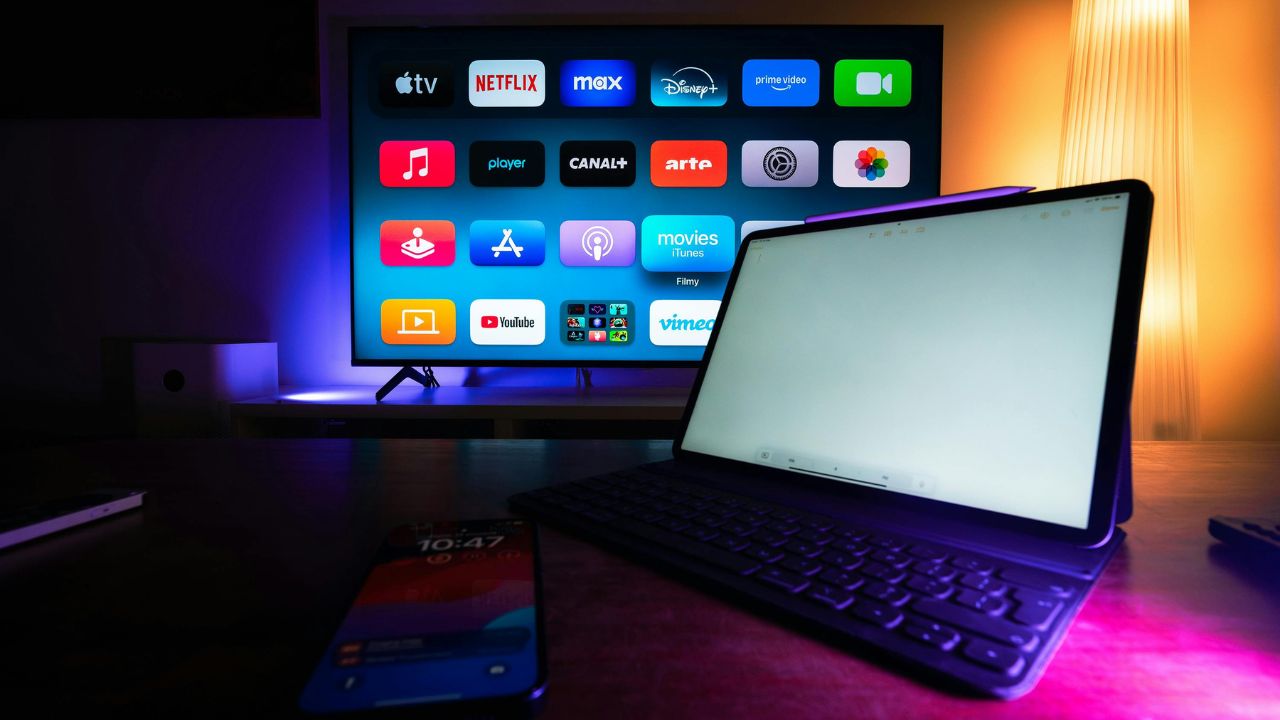
The single best feature of the Apple TV 4K is its complete lack of annoying advertisements. While other streaming tools crowd your screen with sponsored banners for products or random shows, Apple displays a beautiful, clean grid of your chosen applications.
The Apple Ecosystem Advantage
The Apple TV 4K becomes even better if you own other Apple products:
- Siri Remote: The remote uses a premium aluminum body and charges quickly via a standard USB-C cable.
- Audio Sharing: You can easily connect two pairs of Apple AirPods to the device at the same time for silent night viewing.
- Color Calibration: You can hold your iPhone up to your television screen to automatically balance the colors of your television display.
| Specification | Apple TV 4K (Wi-Fi) | Apple TV 4K (Wi-Fi + Ethernet) |
| Internal Storage | 64 GB | 128 GB |
| Network Ports | Wi-Fi Only | Wi-Fi + Gigabit Ethernet |
| Smart Home Tech | Apple HomeKit Hub | Apple HomeKit + Thread Support |
| HDR Video Video Formats | Dolby Vision, HDR10+, HLG | Dolby Vision, HDR10+, HLG |
4. Amazon Fire TV Stick: Budget-Friendly Value
Amazon dominates the affordable side of the streaming market with its Fire TV Stick family. If you do not want to spend a lot of money but still want to watch stunning 4K video, Amazon is often the default choice.
The Fire TV Experience
The Fire TV interface is built around Amazon Prime Video. If you are an active Amazon Prime subscriber, you will find this interface highly helpful. It highlights free movies with Prime, live television schedules, and your recent video purchases. However, the home screen contains a lot of banner advertisements and sponsored rows, which can make the menus feel cluttered.
Massive Application Support
Amazon runs on a modified version of Android. This allows the Fire TV platform to support almost every streaming app in existence. From major names like Max and Paramount+ to niche indie film channels, you will never run out of options.
| Fire TV Stick Model | Wireless Support | Included Remote Features | Ideal User |
| Fire TV Stick HD | Wi-Fi 6 | Standard Alexa Voice Remote | Older 1080p Televisions |
| Fire TV Stick 4K Select | Wi-Fi 5 | Alexa Voice Remote with TV Control | Entry-level 4K TV Owners |
| Fire TV Stick 4K Max | Wi-Fi 6E | Enhanced Remote with Ambient Experience | Users wanting speed on a budget |
5. Head-to-Head Comparison: Video and Audio Quality
When choosing the best streaming device 2026, movie nights need to look and sound perfect. All three brands offer hardware that supports high-end audio and video settings, but they handle processing differently.
High Dynamic Range (HDR) Formats
HDR allows your television to show brighter whites and deeper dark colors. The main formats are Dolby Vision and HDR10+.
- Apple TV 4K offers wonderful color processing. It switches between frame rates smoothly so your movies look exactly how the director intended.
- Amazon’s Fire TV Stick 4K Max offers incredible value by supporting every single major HDR format for less than half the price of an Apple box.
- Google’s 4K devices offer natural colors and balanced images that look clear on both budget screens and premium OLED displays.
Audio Performance
For audio lovers, all three platforms support Dolby Atmos. This format bounces sound around your living room to create a movie theater feel. However, the Apple TV 4K offers a slight advantage because it supports Spatial Audio with head-tracking when you use Apple headphones.
| Device | Video Formats Supported | Audio Formats Supported | HDMI Standard |
| Google Streamer / 4K | Dolby Vision, HDR10+, HDR10, HLG | Dolby Atmos, Dolby Digital Plus | HDMI 2.1 |
| Apple TV 4K | Dolby Vision, HDR10+, HDR10, HLG | Dolby Atmos, Apple Spatial Audio | HDMI 2.1 |
| Fire TV Stick 4K Max | Dolby Vision, HDR10+, HDR10, HLG | Dolby Atmos, 7.1 Surround Sound | HDMI 2.1 |
6. Interface, User Experience, and Remote Controls
A streaming device is only as good as its remote and menu layout. If a system is frustrating to navigate, you will not enjoy using it.
Remote Control Designs
- The Siri Remote: Made from premium aluminum. It uses a special touch-sensitive pad. You can click it like a traditional remote button or swipe your thumb across it to scroll fast through long movie lists.
- The Google Remote: Small, rounded, and comfortable to hold. It features a bright, dedicated button to trigger Google Assistant voice searches.
- The Alexa Voice Remote: Highly functional. It includes dedicated power and volume buttons to control your actual television set, meaning you only need to use one single remote.
Voice Assistants Compared
Voice search makes typing long movie titles obsolete.
- Google Assistant is the smartest at understanding casual phrases. You can say, “Show me some funny sci-fi movies from the 1990s,” and it will pull up accurate choices.
- Amazon Alexa is excellent if you want to control your home. You can say, “Alexa, dim the living room lights,” right into your remote control.
- Apple’s Siri is fast and works well for basic commands like, “What did he just say?” which automatically skips back fifteen seconds and turns on temporary captions.
7. Price vs. Long-Term Value

It is tempting to just buy the cheapest streaming stick available. However, budget devices can slow down after a couple of years of software updates. Investing in stronger hardware can save you money in the long run because you will not need to buy a replacement device anytime soon.
The Budget Choice
The Amazon Fire TV Stick line offers the lowest starting cost. If you simply want to add smart features to a guest bedroom television, a budget Fire Stick is perfect.
The Mid-Range Choice
Chromecast and Google TV devices hit the sweet spot for price and performance. They offer smooth menus and great AI recommendations without breaking the bank.
The Premium Choice
The Apple TV 4K costs the most money upfront. However, it lasts for many years without slowing down, does not show you advertisements, and offers enough storage space to download heavy video games.
| Platform | Upfront Cost Tier | Software Updates Lifespan | Ad Hassle Level |
| Amazon Fire TV | Low / Budget | Moderate (2 to 3 years smoothly) | High (Lots of visual ads) |
| Google TV | Medium / Balanced | Long (3 to 5 years smoothly) | Medium (Some recommended titles) |
| Apple tvOS | High / Premium | Very Long (5+ years smoothly) | None (Zero ads) |
8. Frequently Asked Questions (FAQ)
Can I use an Apple TV if I own an Android phone?
Yes. The Apple TV 4K works great as a standalone streaming box even if you do not own an iPhone. You can download all major streaming apps directly from the Apple App Store. However, you will miss out on special bonus features like typing text prompts with your phone keyboard or using Apple AirPlay.
Do I need to buy a streaming device if my television already has built-in apps?
Most smart televisions come with built-in applications, but television manufacturers often stop updating their internal software after a couple of years. A dedicated device like a Fire Stick, Chromecast, or Apple TV offers faster speeds, better security updates, and a wider selection of available apps.
Which streaming device is best for traveling?
The Amazon Fire TV Stick is the absolute best option for travel. Its small stick design plugs directly into the back of any hotel television. Furthermore, the Fire TV software makes it incredibly simple to log into public hotel Wi-Fi networks that require a web browser password.
Does Chromecast still require a mobile phone to work?
No. Older versions of the classic Chromecast required you to control everything using a smartphone or tablet. The modern Chromecast with Google TV and newer Google TV Streamers come with a dedicated physical remote control and a full on-screen user menu. You do not need a smartphone at all to watch your shows.
Final Words
Choosing the best streaming device 2026 comes down to looking at your current living room setup and your personal budget.
If you want an affordable tool that supports stunning 4K video formats and you do not mind seeing advertisements on your home screen, the Amazon Fire TV Stick is a value champion. For users who want smart, customized movie recommendations and use Google Home products, Google TV offers a balanced, AI-powered experience. Finally, if you hate advertisements, love blazing-fast speeds, and already use an iPhone or iPad, spending the extra money on an Apple TV 4K is an investment you will not regret.
Take a close look at your home gadgets, pick the ecosystem that matches your daily routine, and enjoy an upgraded movie night!